
根据文本提示词生成图像。
根据文本描述生成图像。如需对比各模型并选择合适的方案,请参见图像模型。模型体验:千问AI平台。
模型详情和定价请参见图像模型。
获取 API Key 并将其设置为环境变量。如需使用 SDK,请先安装 SDK。
所有 Qwen-Image 模型都支持同步调用,其中 qwen-image-3.0 系列和
参数说明:
提示词编写建议:结构化的提示词通常能产生更好的效果。详见文生图提示词指南。
参数:
使用建议:
参数:
参数:
参数:
简写尺寸(仅限 wan2.7,不可与像素值混用):
各像素范围下的推荐分辨率:
参数:
使用
以下参数仅适用于
如果您的应用已基于 OpenAI Images 协议或 OpenAI SDK 开发,可通过 OpenAI 兼容模式调用千问-图像生成与编辑,无需改造请求结构。文生图(T2I)与图生图(I2I)共用同一个接口:不传
与 DashScope 协议相比有三点差异,从 DashScope 迁移时请注意:
响应体顶层返回
OpenAI 兼容模式走的是 Images 协议(
调用失败时,请参见错误信息。
模型效果展示
Qwen-Image
| 复杂布局 | 长段落 | 写实人像 |
|---|---|---|
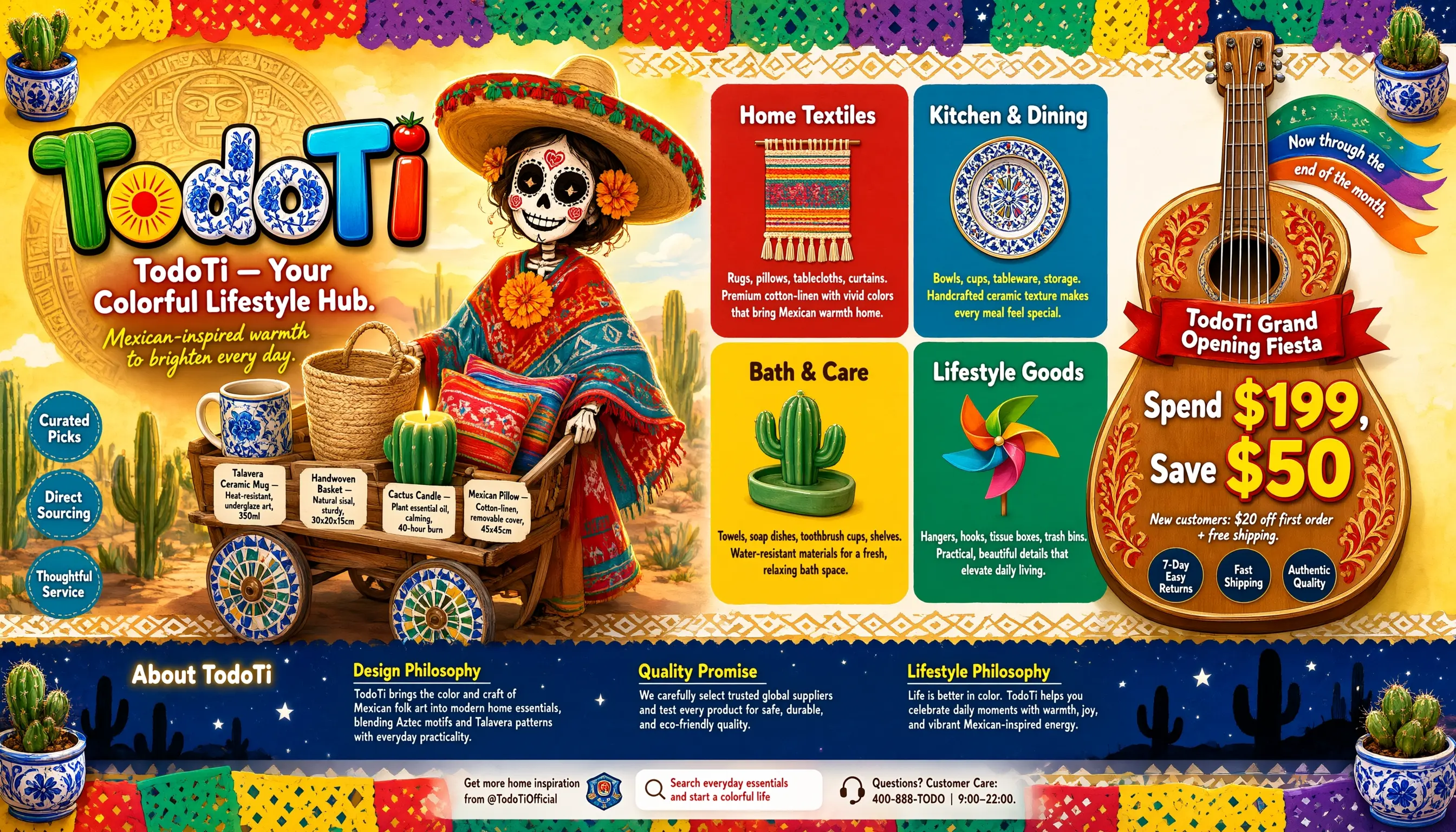 | 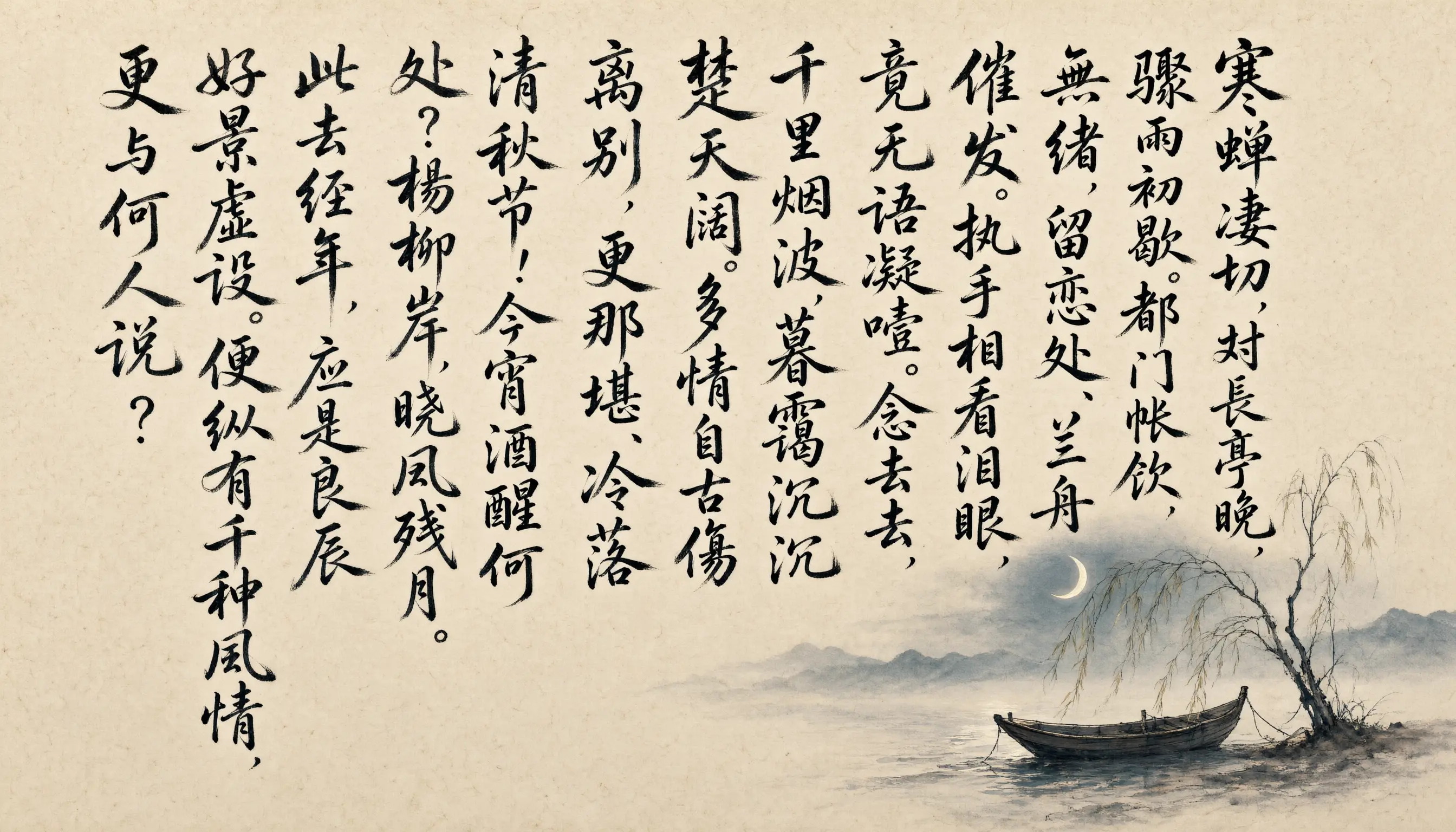 | 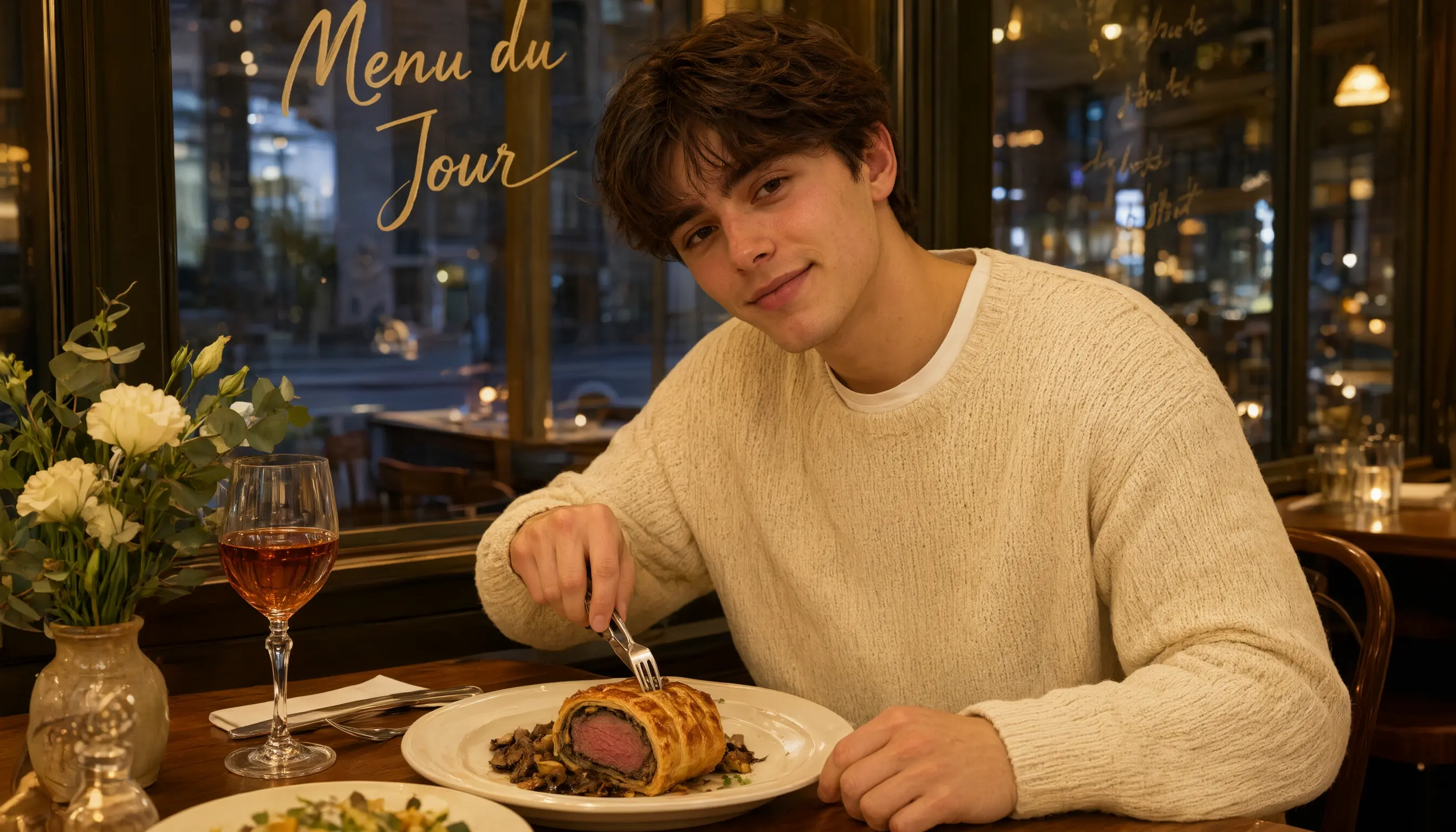 |
| UI设计 | PPT | 插画设计 |
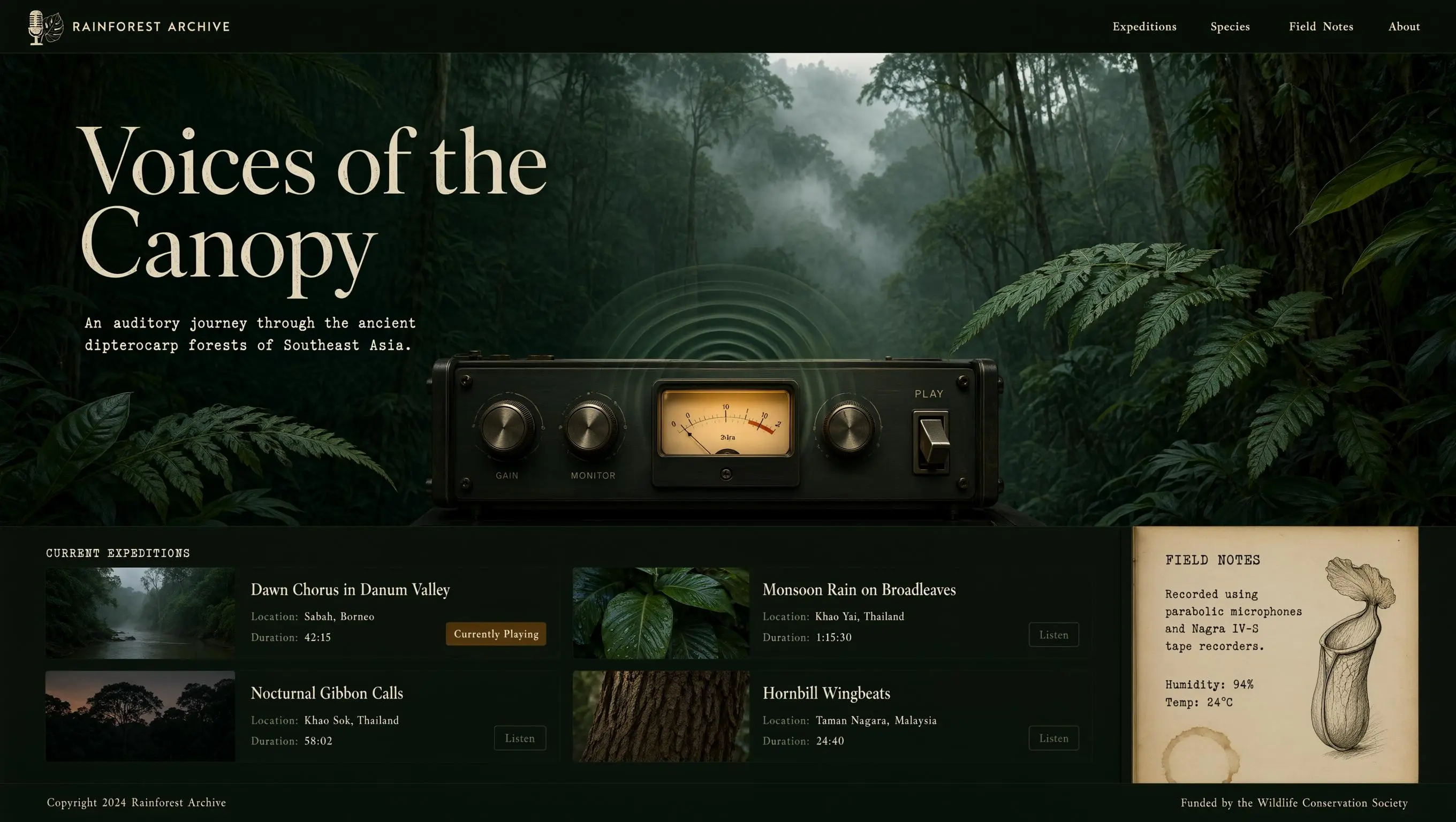 | 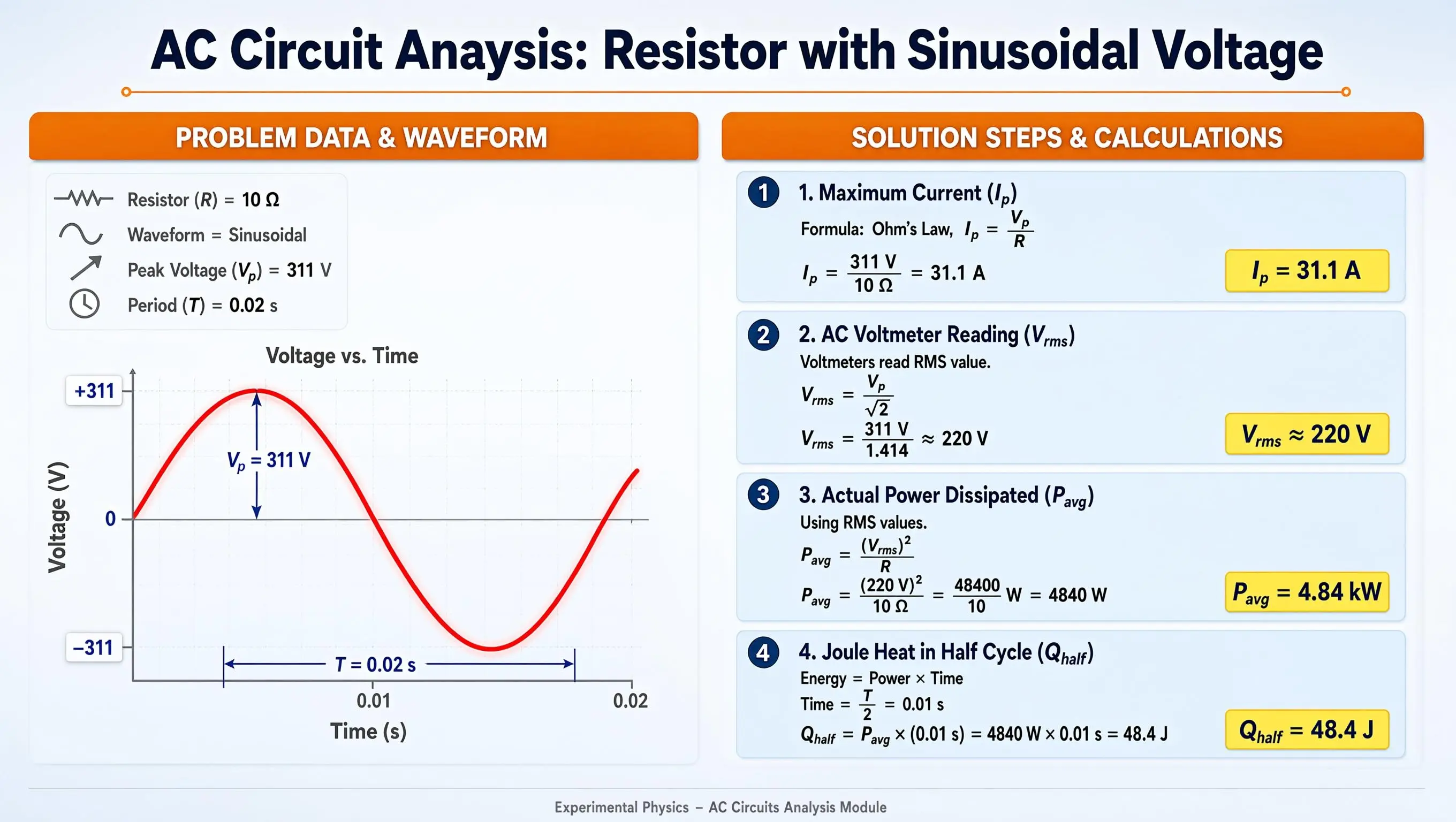 | 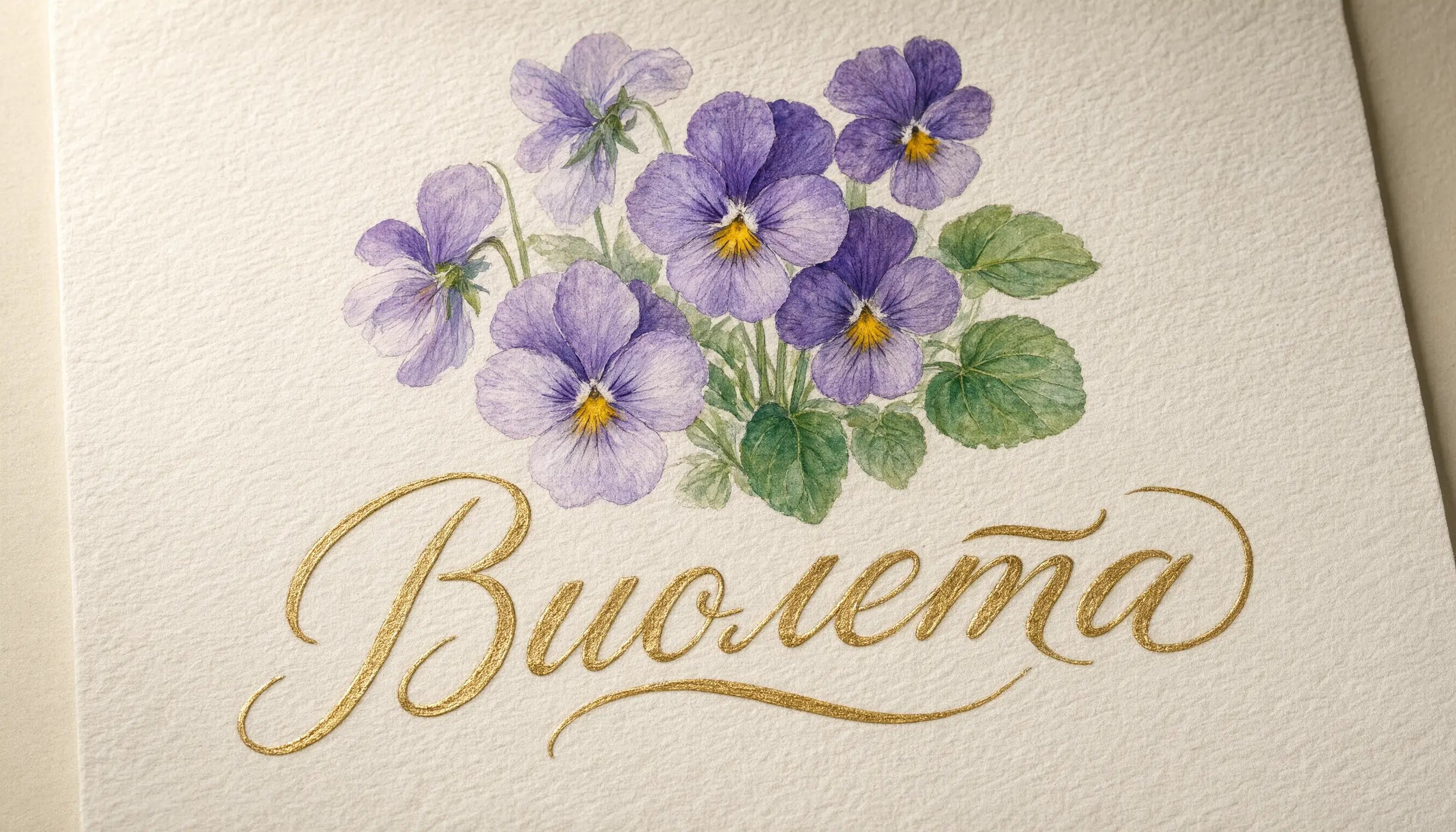 |
点击查看提示词
点击查看提示词
复杂布局:长段落:写实人像:UI设计:PPT:插画设计:
Wan 系列
| 人像摄影 | 写实摄影 | 绘画风格 |
|---|---|---|
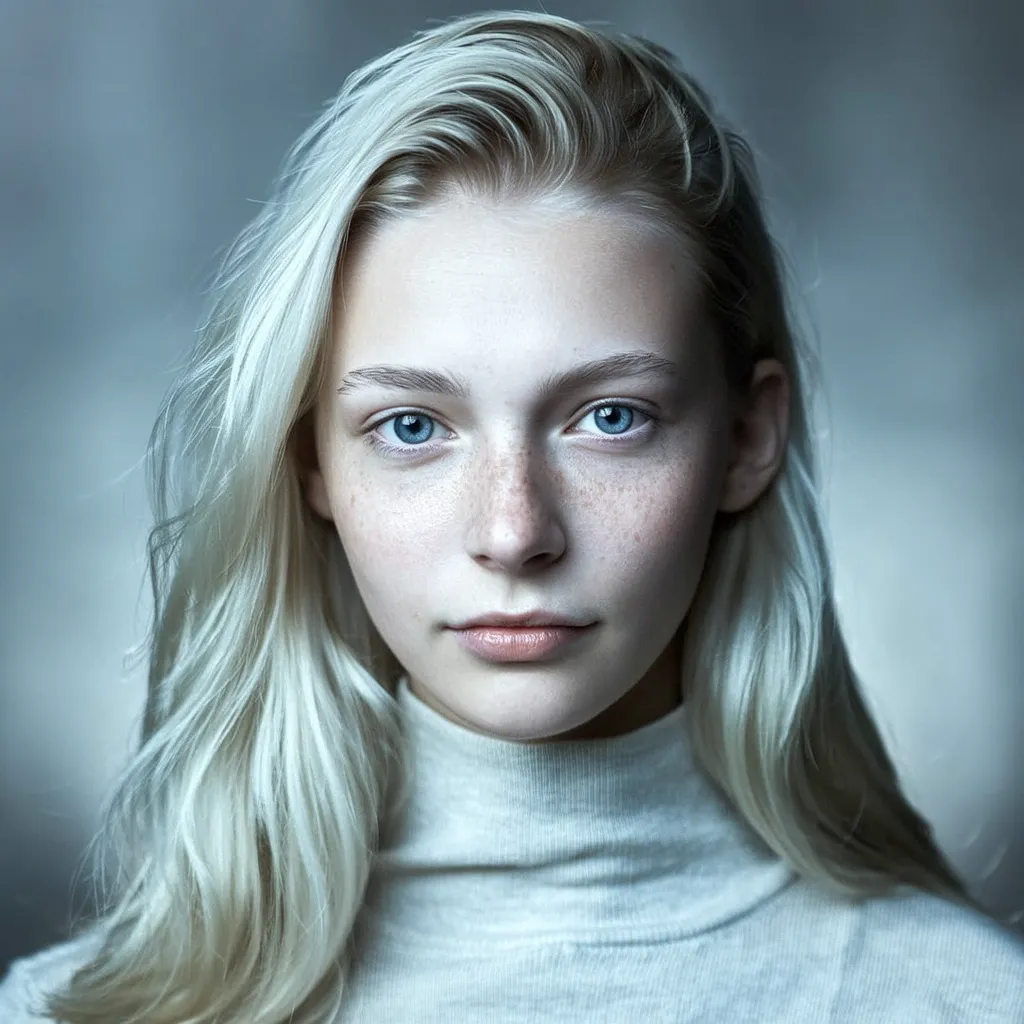 | 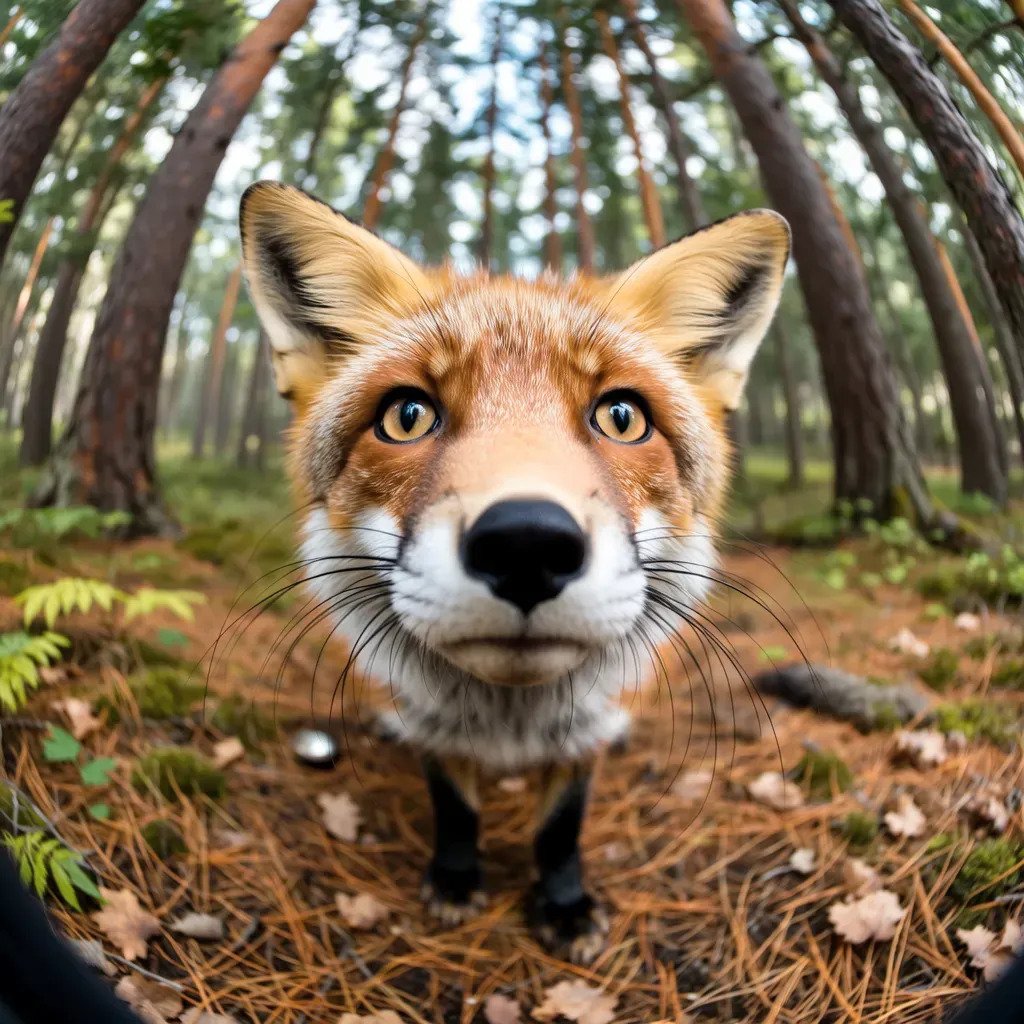 |  |
| 文字生成 | 海报设计 | 图集生成 |
 |  |  |
点击查看提示词
点击查看提示词
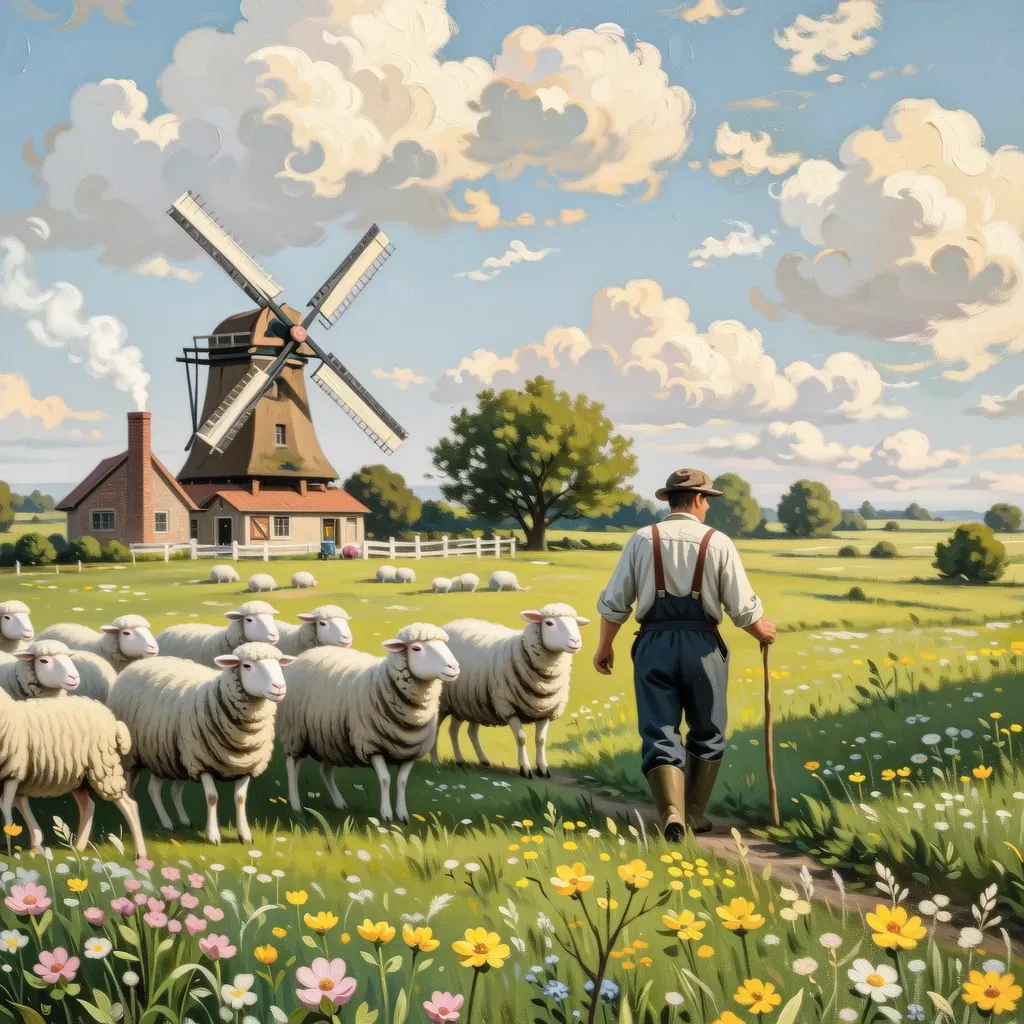
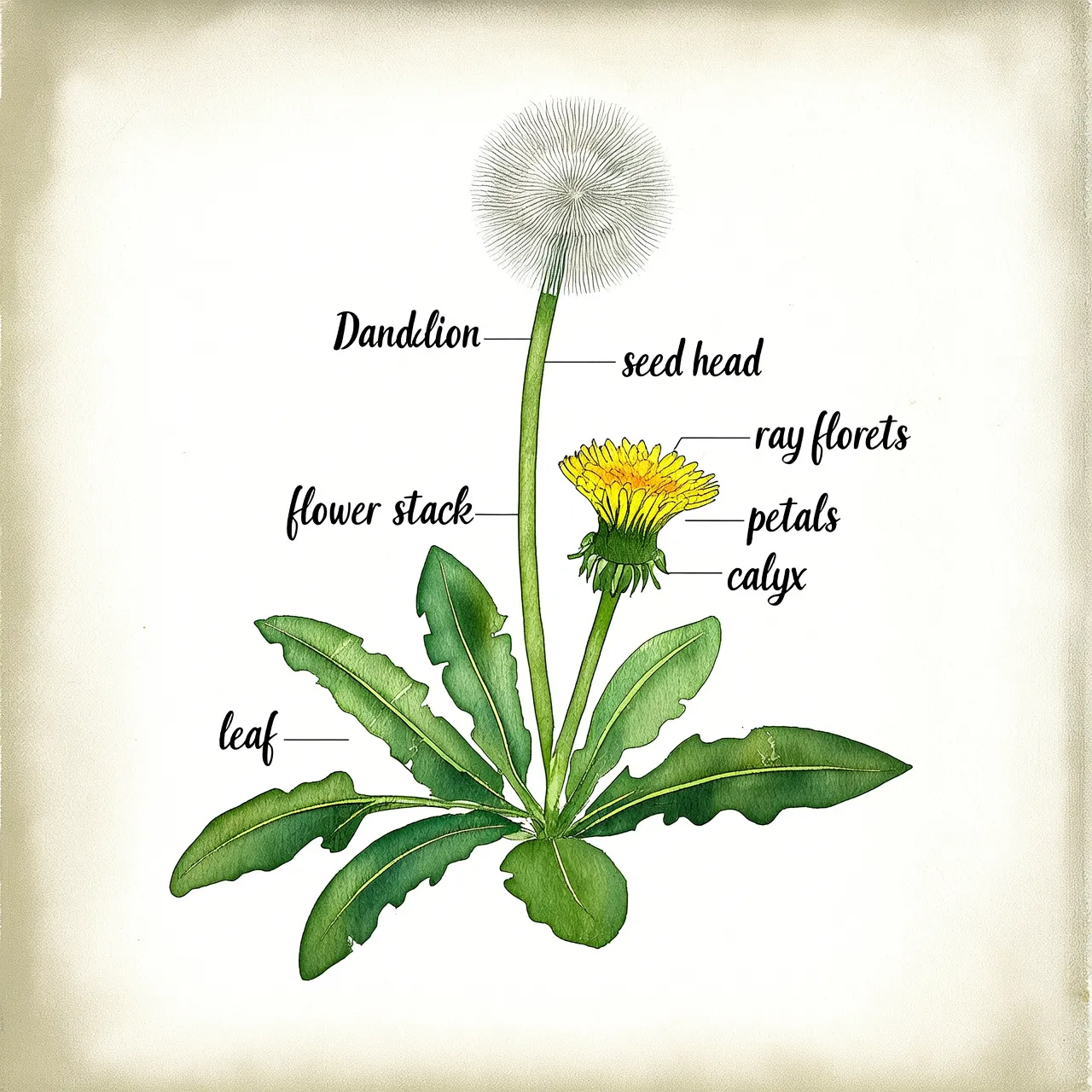
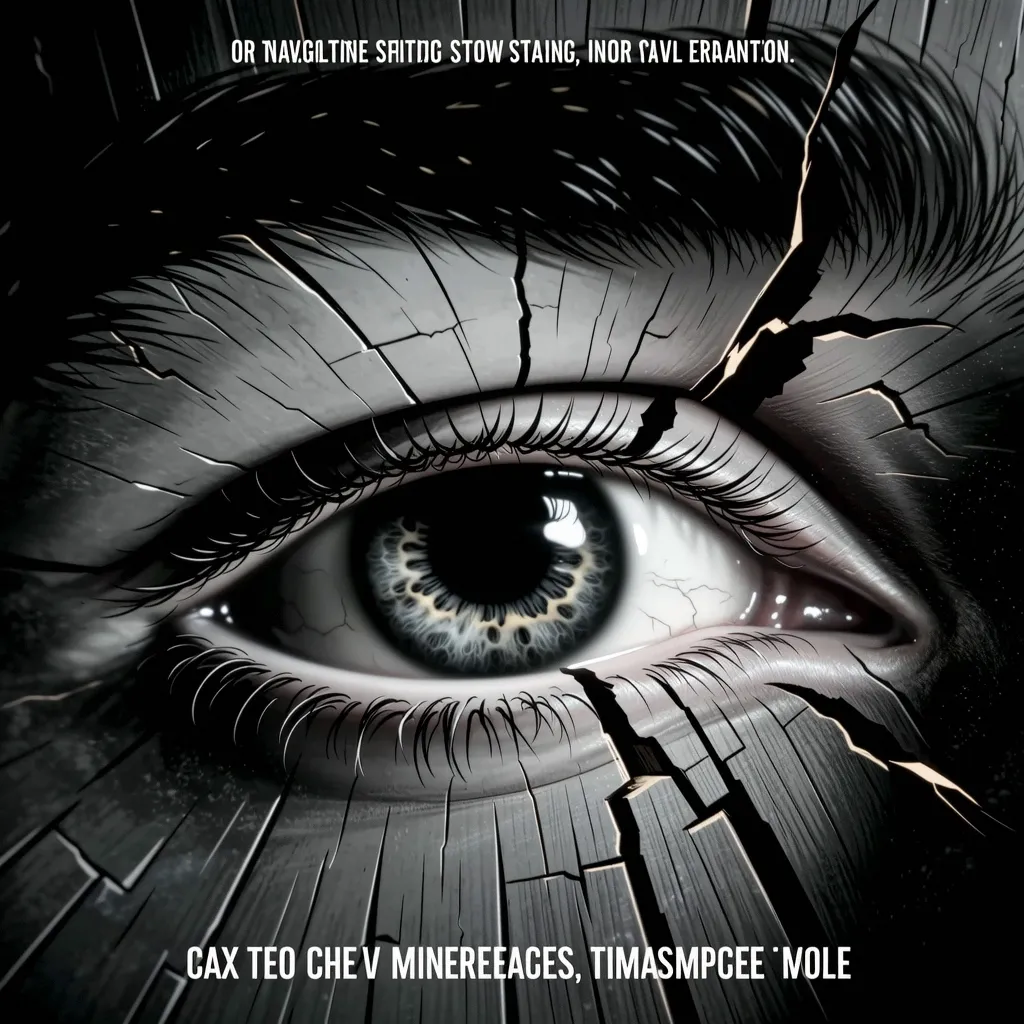
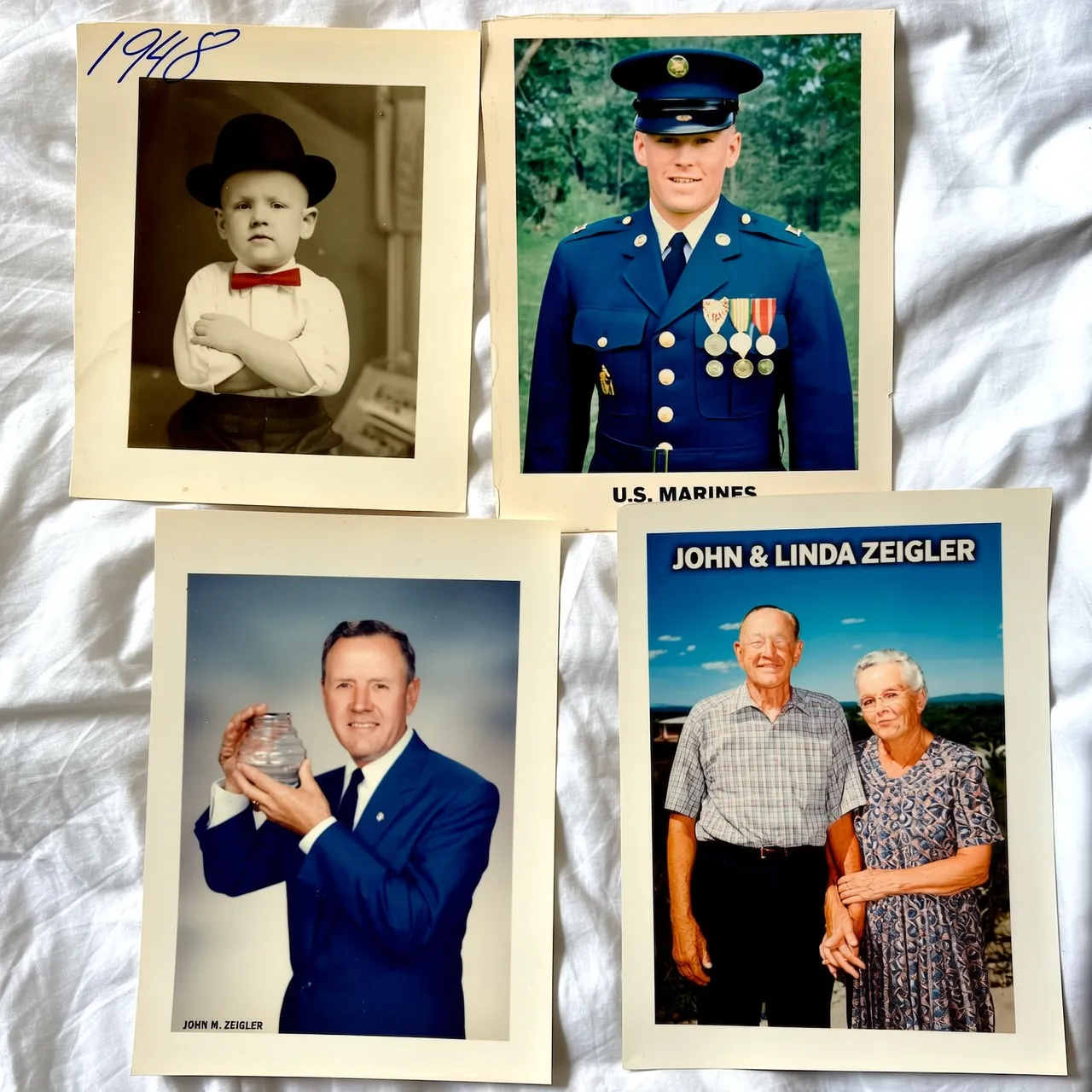
人像摄影: hyper-realistic Scandinavian woman portrait, flowing platinum blonde hair and piercing blue eyes with prominent freckles, sharp intellectual gaze, Nordic cold-toned directional lighting creating icy atmosphere, minimalist modern styling with clean lines, shallow depth-of-field with a blurred, cold-gradient background, authentic Nordic facial features and porcelain skin texture.写实摄影: a fish-eye perspective forest scene with dramatic perspective distortion, ultra-detailed red fox staring into lens with piercing amber eyes, hyper-realistic fur texture showing individual guard hairs and undercoat layers, radially warped trees forming circular background patterns, watercolor painting style with translucent washes and organic pigment bleeding, soft pastel palette of moss green and earth ochre tones, painterly lighting with atmospheric glow through canopy gaps绘画风格: Vintage oil painting style pastoral scene, a farmer herding sheep across a meadow full of wildflowers, a windmill in the distance turning under blue sky and white clouds, smoke curling from the chimney of a wooden house, bright and soft colors, full of tranquility and comfort.文字生成: A page from a botanical illustration book, hand-drawn watercolor style, depicting a "dandelion" and labeling its various parts.海报设计: Cinematic poster scene: Extreme macro close-up of eye in wooden crack. Minimalist monochrome, watercolor-CGI fusion, low saturation. Slow push-in with tremor for surreal intensity. Vast negative space, hidden title. Optimized for immersive video generation.图集生成: Memories of an old man's life, four portraits in different frames, depicting his childhood (black and white photo), youth (military uniform photo), middle age (business suit work photo), and old age (photo with his wife).
模型可用性
模型详情和定价请参见图像模型。
快速开始
前提条件
获取 API Key 并将其设置为环境变量。如需使用 SDK,请先安装 SDK。
Python SDK 需要 1.25.15+ 版本,Java SDK 需要 2.22.13+ 版本。
示例代码
所有 Qwen-Image 模型都支持同步调用,其中 qwen-image-3.0 系列和 qwen-image-2.1-pro 还支持异步调用,详见 Qwen 3.0 与 2.1-pro 异步调用。所有 Wan 文生图模型都支持异步调用,其中 wan2.7-image-pro、wan2.7-image、wan2.6-image 和 wan2.6-t2i 还支持同步调用。
- 同步调用(Qwen-Image)
- 异步调用(Wan)
请求示例响应示例
完整 JSON 响应
完整 JSON 响应
核心能力
指令遵循
参数说明:
- Prompt(必选):描述期望的内容、风格和构图。传入格式如下:
- Qwen-Image、Wan 2.7 和
wan2.6-t2i:通过input.messages[].content[].text传入。参见示例代码中对应标签页的代码。 - Wan 2.5 及更早版本:通过
input.prompt传入。
- Qwen-Image、Wan 2.7 和
- negative_prompt(可选):描述需要从图像中排除的元素,如"模糊"或"多余的手指"。通过
parameters.negative_prompt设置。qwen-image-2.1系列、wan2.7-image-pro和wan2.7-image不支持此参数,其余模型均支持。 - 文本渲染(画面中的文字):模型可在画面中生成中英文文字,但对长文本(如完整古诗、长段落或多行文字)难以逐字精准还原,易出现错字、漏字或形近字替代。如对画面内文字的准确性有要求,建议尽量缩短画面内文字、仅保留关键标题或短语,或对成图中的关键文字进行后期编辑。
wan2.7-image-pro 和 wan2.7-image 不支持 negative_prompt,请使用正向提示词来引导生成效果。启用提示词改写
参数:parameters.prompt_extend(布尔值,默认:true)。
自动扩展简短的提示词以提升图像质量,会增加约 3-5 秒的延迟。
wan2.7-image-pro 和 wan2.7-image 不支持 prompt_extend,请改用 thinking_mode——详见 Wan 2.7 参数。- 启用:当提示词比较简单或宽泛时,可显著提升生成质量。
- 禁用(设为
false):当需要精细控制、已编写详细提示词、或对延迟敏感时。
选择提示词改写方式
参数:parameters.prompt_extend_mode(字符串,默认:direct)。仅 qwen-image-3.0 系列和 qwen-image-2.1-pro 支持,在 prompt_extend 为 true 时生效。
| 取值 | 说明 | 适用场景 |
|---|---|---|
direct | 直接提示词增强(DPE),默认值 | 大多数场景 |
agent | 智能体提示词增强(APE),改写更精细 | 提示词很简短、需要模型补充大量细节时 |
agent 仅文生图支持,图像编辑场景传入将返回 400 错误。开启思考模式
参数:parameters.enable_thinking(布尔值,默认:true)。仅 qwen-image-3.0 系列和 qwen-image-2.1-pro 支持,适用于文生图和 Direct 图像编辑,Agent 图像编辑暂不支持。需在 prompt_extend=true 时生效。
开启时,模型将增强推理能力以提升出图质量,但会增加生成耗时。
设置输出图像分辨率
参数:parameters.size(字符串),格式为 "宽*高"。
| 模型 | 尺寸格式 | 支持范围 | 默认值 | 宽高比 |
|---|---|---|---|---|
| qwen-image-3.0 系列、qwen-image-2.1-pro | 自定义 "宽*高" | 512*512 – 2048*2048 | 由模型根据提示词自动推荐 | 1:8 – 8:1 |
| qwen-image-2.0 系列 | 自定义 "宽*高" | 512*512 – 2048*2048 | 2048*2048 (1:1) | — |
wan2.7-image-pro | 简写或 "宽*高" | 768*768 – 4096*4096 | "2K" (2048*2048) | 1:8 – 8:1 |
wan2.7-image | 简写或 "宽*高" | 768*768 – 2048*2048 | "2K" (2048*2048) | 1:8 – 8:1 |
wan2.6-image | 自定义 "宽*高" | 768*768 – 1280*1280 | 与输入一致(≤1280*1280) | 1:4 – 4:1 |
wan2.6-t2i、wan2.5-t2i-preview | 自定义 "宽*高" | 1280*1280 – 1440*1440 | 1280*1280 | 1:4 – 4:1 |
| wan2.2 及更早的文生图模型 | 自定义 "宽*高" | 单边 [512, 1440],≤1440*1440 | 1024*1024 (1:1) | — |
此处列出的
wan2.6-image 仅针对其图文交错生成模式。如需图像编辑功能,请参见图像编辑。| 简写 | 分辨率 | wan2.7-image-pro | wan2.7-image |
|---|---|---|---|
"1K" | 1024*1024 | 支持 | 支持 |
"2K" | 2048*2048 | 支持(默认) | 支持(默认) |
"4K" | 4096*4096 | 支持 | 不支持 |
| 宽高比 | 4K | 2K | 1K |
|---|---|---|---|
| 1:1 | 4096*4096 | 2048*2048 | 1280*1280 |
| 16:9 | 4096*2304 | 2688*1536 | 1696*960 |
| 9:16 | 2304*4096 | 1536*2688 | 960*1696 |
| 4:3 | 4096*3072 | 2368*1728 | 1472*1104 |
| 3:4 | 3072*4096 | 1728*2368 | 1104*1472 |
- 4K:仅 wan2.7-image-pro 支持。
- 2K:wan2.7-image-pro、wan2.7-image、qwen-image-2.0/3.0 系列、qwen-image-2.1-pro。
- 1K:Wan 文生图模型。
设置生成图片数量
参数:parameters.n(整数)。
| 模型 | 范围 | 默认值 |
|---|---|---|
wan2.7(enable_sequential=false) | 1–4 | 4 |
wan2.7(enable_sequential=true) | 1–12 | 12 |
| qwen-image-2.0/3.0 系列、qwen-image-2.1-pro | 1–6 | 1 |
wan2.6-image(enable_interleave=false) | 1–4 | 4 |
wan2.6-image(enable_interleave=true) | 仅支持 1 | 1 |
| wan2.6-t2i / wan2.5 及更早版本 | 1–4 | 4 |
费用 = 单价 x 成功生成的图片数。测试阶段建议将
n 设为 1。wan2.6-image 的图文交错模式(enable_interleave=true)时,n 必须为 1。如需控制最大生成图片数,请使用 parameters.max_images(范围:1–5,默认:5)。实际生成数量由模型决定,可能少于指定的最大值。
Wan 2.7 参数
以下参数仅适用于 wan2.7-image-pro 和 wan2.7-image。
-
enable_sequential(布尔值,默认:false):启用图集生成。设为true时,可将n设为 1-12,单次请求生成多张风格一致的图片。enable_sequential设为true时,thinking_mode和color_palette不可用。 -
thinking_mode(布尔值,默认:true):启用增强推理,提升提示词理解能力和图像质量。仅在enable_sequential为false时可用。 -
color_palette(数组):自定义配色方案。指定 3-10 种颜色(推荐 8 种),每种颜色包含十六进制色值和占比(百分比字符串),所有占比之和必须为 100%。仅在enable_sequential为false时可用。
配色方案示例
配色方案示例
OpenAI 兼容模式
如果您的应用已基于 OpenAI Images 协议或 OpenAI SDK 开发,可通过 OpenAI 兼容模式调用千问-图像生成与编辑,无需改造请求结构。文生图(T2I)与图生图(I2I)共用同一个接口:不传 image 为文生图,传 image 为图生图。
- HTTP 请求地址:
POST https://maas.qianwenaiapi.com/compatible-mode/v1/images/generations - SDK 的
base_url:https://maas.qianwenaiapi.com/compatible-mode/v1 - 支持的模型:
qwen-image-3.0-pro、qwen-image-3.0、qwen-image-2.1-pro、qwen-image-2.1-turbo
OpenAI 兼容模式为同步、非流式接口。图生图通过
/images/generations 的扩展字段 image 实现,不使用 OpenAI 官方 /images/edits 的 multipart 文件上传形式。以下能力暂不支持:异步调用、流式输出、partial image、/images/edits、multipart 与 mask。传入 response_format=b64_json 不会报错,但会被忽略,响应中仍返回图像 URL。如需异步调用,请使用 DashScope 异步接口。- 所有参数平铺在请求体顶层,没有
input和parameters嵌套结构。 size使用字母x作为分隔符(1024x1024),而非 DashScope 的星号*(1024*1024)。image、negative_prompt、seed、prompt_extend、prompt_extend_mode、enable_thinking、watermark为平台扩展字段,不属于 OpenAI 官方参数。直接发送 HTTP 请求时放在请求体顶层即可;使用 OpenAI SDK 时需通过extra_body传入。
created(Unix 时间戳)、data(生成结果列表,元素含 url)和 usage(图片输入/输出计量信息,不是 Token 用量)。生成图像的 URL 有效期为 24 小时,请及时下载保存。
结合 OpenAI Agents SDK 使用
OpenAI 兼容模式走的是 Images 协议(/images/generations),而 OpenAI Agents SDK 中 Agent 的推理模型必须是 Chat Completions 协议的对话模型,因此图像生成模型无法直接作为 Agent 的推理模型。
在 OpenAI Agents SDK 等智能体框架中,可将图像生成能力封装为工具(function tool),由文本对话模型(如 qwen-plus)作为 Agent 的推理核心进行调度。示例如下:
运行前请先安装依赖:pip install openai-agents dashscope。
上线注意事项
容错处理
- 限流:
Throttling错误码或 HTTP 429 表示触发了限流。详见限流。 - 异步任务轮询:前 30 秒每 3 秒轮询一次,之后逐步延长间隔。设置最终超时时间(如 2 分钟),超时后将任务视为失败。
风险防范
- 结果持久化:图片 URL 在 24 小时后过期。获取结果后应立即下载并存储到自有存储服务(如 OSS)。
- 内容审核:所有
prompt和negative_prompt输入都会经过内容审核。不合规的输入会被拦截,返回DataInspectionFailed错误。 - 版权与合规:提示词中引用品牌商标、名人肖像或受版权保护的 IP 可能存在侵权风险,由此产生的法律责任由用户自行承担。